
LAB / EXPLORATION
Rebuilding Fetch with XMLHttpRequest
CompleteBuilds a simplified data request from scratch with XMLHttpRequest
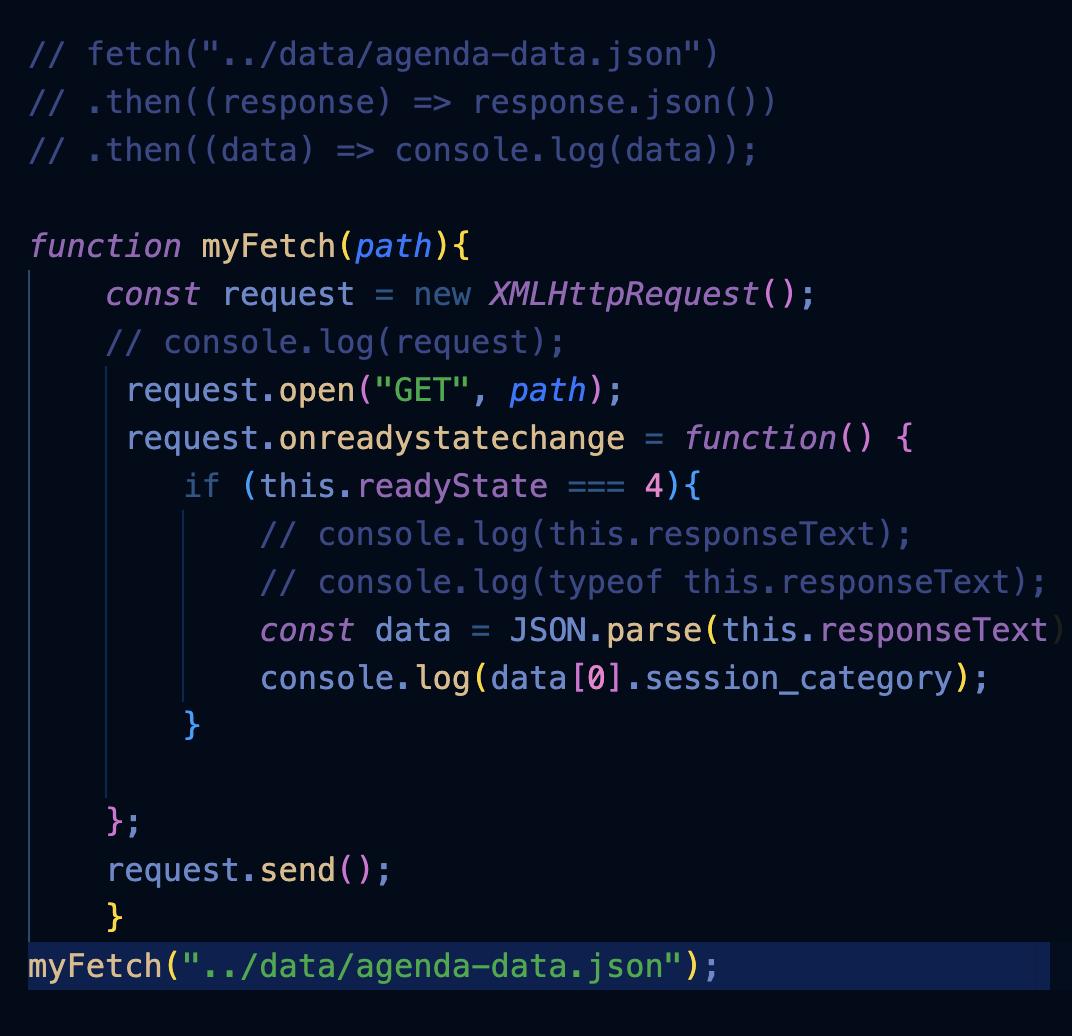
Project summary
This learning project reconstructs the basic request flow behind modern JavaScript data fetching. It creates an XMLHttpRequest, opens and sends a GET request, observes readyState, receives raw JSON as responseText, parses it with JSON.parse(), and accesses the resulting JavaScript objects and arrays. The goal is to understand the mechanics underneath higher-level APIs such as fetch() before returning to the Modern Agenda ECMAScript implementation.
Technologies
Code
  function myFetch(path){
    const request = new XMLHttpRequest();
    // console.log(request);
     request.open("GET", path);
     request.onreadystatechange = function() {
        if (this.readyState === 4){
            // console.log(this.responseText);
            // console.log(typeof this.responseText);
            const data = JSON.parse(this.responseText);
            console.log(data[0].sections);
        }

    };
    request.send();
    }
myFetch("../data/agenda-data.json");